Home Security System Installation & Maintenance
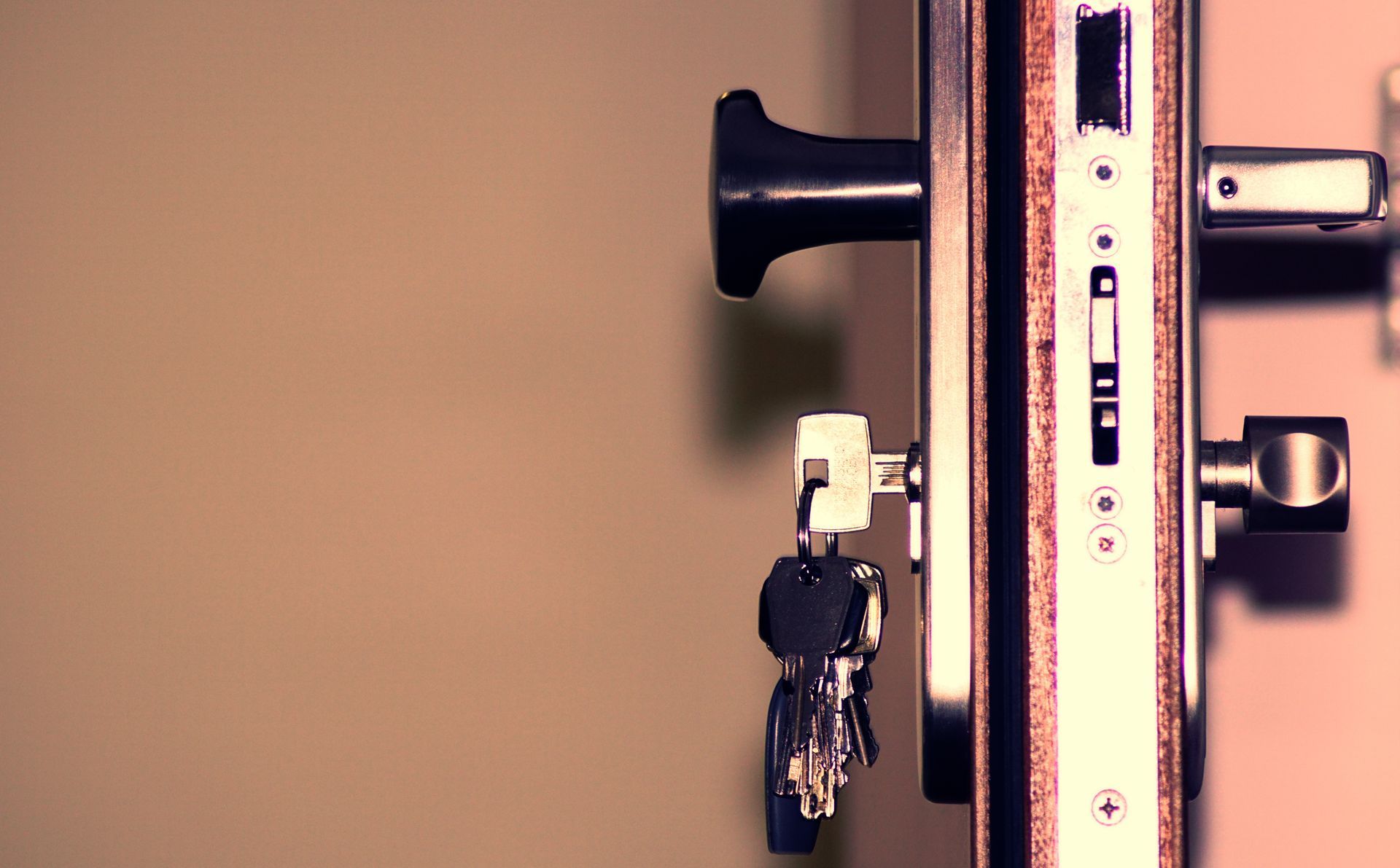
Sensors and cameras get most of the attention when people think about home security, but they’re only as good as the doors and locks they’re watching. The hardware on the doors — the lock grade, the strike plate, whether the frame itself would hold under a kick — is where a security consult from Liberty Locksmith starts, with sensors, cameras, and smart-lock integration layered on top rather than treated as a substitute for solid locks.
Physical Security Comes First
A camera records a break-in; a reinforced deadbolt and a properly secured strike plate are what make that break-in harder to pull off in the first place. Before recommending any electronics, a consult looks at what’s actually protecting the entry points — the grade of the locks, whether the strike plates are reinforced, whether a door has an exploitable gap or weak frame. Getting that foundation right does more for actual security than a camera pointed at a door that gives way to a good kick. Electronics add visibility and evidence; they don’t replace hardware that resists entry on its own.
Sensors, Cameras, and What They Actually Add
Once the physical side is solid, door and window contact sensors add a layer that catches an entry attempt the moment it happens, triggering an alert or an audible alarm rather than waiting for someone to notice later. Cameras add visibility — a record of who came and went, and in some cases a live view from a phone anywhere there’s a signal. Together they shift a home from purely reactive, where you find out something happened after the fact, to something closer to real-time awareness, without pretending either one stops a determined intruder on its own.
Tying It Into a Smart Lock
For a house that already has, or is considering, a smart lock, tying it into the broader security setup means door-lock activity — who unlocked it, and when — becomes part of the same picture as the sensors and cameras instead of a separate system nobody checks. A consult can map out how a smart lock installation fits alongside sensors and cameras already planned or in place, so the pieces work as one system rather than three unrelated apps competing for attention on your phone.
Monitored or Self-Monitored
Two paths exist once the hardware is in: professional monitoring, where a third-party monitoring center receives alarm signals and can contact you or dispatch emergency services, and self-monitoring, where alerts go directly to your phone and you decide what happens next. Our role covers the consult, the installation, and ongoing maintenance of the equipment itself — the sensors, cameras, and locks the system runs on. Which monitoring path you choose, and any subscription that comes with it, is a decision you make separately based on how much hands-on involvement you want.
What a Security System Costs
Security system pricing depends on the number and type of sensors and cameras involved, whether the job includes integrating an existing smart lock, and whether it’s a fresh install or a takeover of hardware already in the house. A single-camera add-on to existing locks is a much smaller job than a full sensor-and-camera layout across every entry point. A site consult gives you a firm price for the specific setup before any equipment goes in.
Maintenance After the Install
A sensor with a dead battery or a camera pointed at a branch that’s grown into frame over the summer isn’t doing much for you, and that kind of drift happens gradually enough that it’s easy not to notice. Ongoing maintenance covers checking that sensors still report correctly, batteries get swapped before they die rather than after, and camera angles still cover what they’re supposed to as trees, cars, or seasonal changes shift what’s actually in view. A system that gets looked at occasionally holds up a lot better over the years than one installed once and never revisited.
We handle all of this on-site across the metro — see our service areas.
Frequently Asked Questions
Should I get a monitored system, or handle monitoring myself?
A monitored setup routes alarm signals to a third-party monitoring center that can contact you or emergency services when something trips. Self-monitoring skips that middle step and sends alerts straight to your phone through an app, leaving the decision of what to do entirely in your hands. Our role is designing and installing the equipment either path runs on — which one fits comes down to how hands-on you want to be day to day.
Can you take over and service a system that's already installed?
Often, yes, especially if the existing hardware uses open or widely supported standards rather than a manufacturer's fully closed platform. Some proprietary systems limit what an outside technician can do without the original installer's credentials, so a look at what's actually installed comes before any promise about what can be taken over.
Do the cameras need a monthly subscription?
It depends on the camera. Some store footage locally on a memory card or a home hub with no ongoing fee, while others rely on cloud storage that comes with a subscription for extended history or advanced features. Both approaches are common in current camera lines, and it's worth checking before buying if a subscription is something you'd rather avoid.