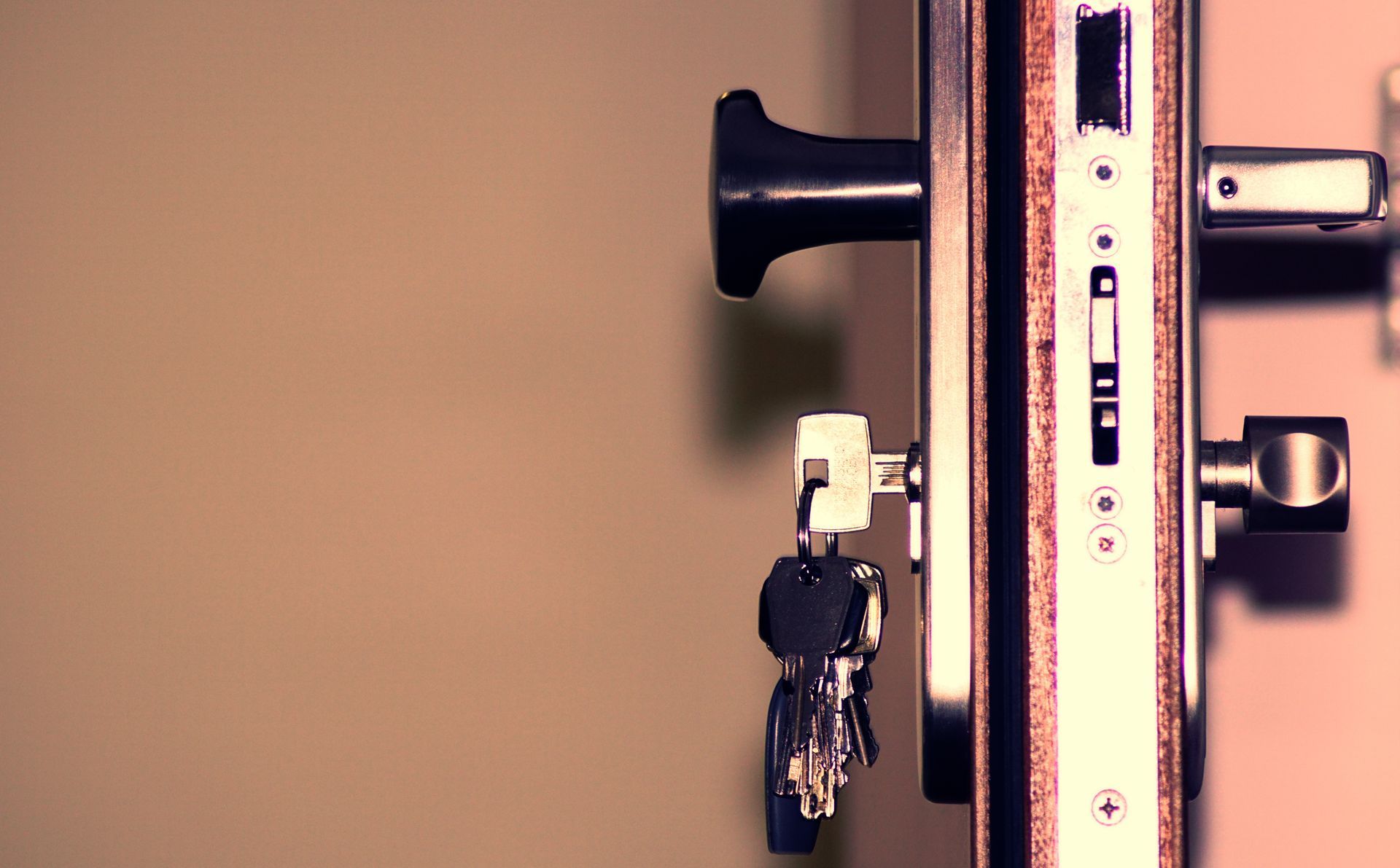
A smart lock trades a metal key for a code, an app, or a phone in your pocket, but it’s still a physical deadbolt underneath the electronics, and getting it installed correctly matters just as much as it does with a standard lock. Liberty Locksmith installs, pairs, and programs smart locks on-site, and handles the mechanical backup cylinder most models still carry so it matches the rest of your house.
Install, Pairing, and App Setup
A smart lock installation starts the same way a standard deadbolt does — measuring, fitting, and securing the hardware to the door — and then adds a second phase: connecting the lock to whatever it needs to actually be smart. Some units talk directly to a home Wi-Fi network with no extra hardware required. Others pair through a separate hub or bridge and communicate over Z-Wave, Zigbee, or a similar low-power protocol built for smart-home devices. A technician handles both stages in one visit, walking through the app setup and confirming the lock responds correctly to a code, a phone, or a key fob before calling the job done.
Keypad, Wi-Fi, and Hub-Based Ecosystems
Smart locks generally fall into a few recognizable families. Locks in the Schlage Encode line typically connect straight to a home’s Wi-Fi network without a separate hub, which keeps setup simpler at the cost of relying on the router staying online. Locks in the Yale Assure line often pair through a bridge device and support Z-Wave, which plugs them into a broader smart-home platform alongside other connected devices in the house. Locks in the August line tend to retrofit over an existing deadbolt from the inside rather than replacing the whole unit, leaving the exterior hardware as it was. Several models across these families also list Apple Home compatibility through HomeKit or the newer Matter standard, which is worth a look for anyone already living inside an Apple-based smart-home setup — though which features actually carry over varies by model, so it’s worth confirming what a specific lock supports before assuming full compatibility. Which family fits best depends on what smart-home setup, if any, is already in the house.
Batteries and the Mechanical Backup
Battery-powered locks generally run for several months to roughly a year on a set of standard batteries under normal daily use, and most models track their own charge and warn well before it actually runs dry. Even so, every smart lock worth installing keeps a physical fallback — a mechanical keyway hidden behind the keypad, or an external contact that accepts a temporary 9-volt battery to power the electronics long enough to get in and swap the batteries properly. That backup is what keeps a smart lock from turning into a genuine lockout the moment the power runs low.
Rekeying the Backup Cylinder to Match Your House
Because most smart deadbolts still hide a standard mechanical keyway behind the electronics, that cylinder can be rekeyed during installation just like any other lock in the house. Doing it at install time means the smart lock’s physical backup works with the same key as your front door, garage entrance, or any other lock we’ve combinated together, instead of leaving you with one more key that only fits one door.
Pricing a Smart Lock Install
Smart lock pricing depends on the hardware itself, since a Wi-Fi-direct model, a hub-based unit, and a retrofit-style lock all involve different parts and different setup steps. Whether the mechanical backup is being rekeyed to match existing house keys, and how many locks are going in during the same visit, factor into the total as well. If you’ve already bought the lock, having the model and box on hand when you call helps the technician arrive ready for that specific hardware instead of working from a description given from memory.
Bringing Your Own Lock, or Choosing One Together
Some homeowners already know exactly which model they want, sometimes still in the box after an online order; others would rather talk through what fits the house before buying anything. Both work. If you’ve already bought a lock, a technician checks that it’s compatible with your door thickness and backset before installing it, and flags anything that won’t fit cleanly before opening the packaging. If you haven’t decided yet, a quick conversation about what’s already in the house — an existing smart-home hub, a preference for keeping things simple with Wi-Fi only — usually narrows the choice down fast.
We handle all of this on-site across the metro — see our service areas.
Frequently Asked Questions
What happens when the batteries die?
Most smart locks warn you well before they actually die — a chirp, a flashing light, or an app notification once the charge drops below a threshold. If it runs out anyway, nearly every model keeps a mechanical key backup or an external terminal that accepts a 9-volt battery to trickle enough power in to open the app or keypad long enough to swap the batteries.
I rent — are there smart lock options that don't require permanent changes?
Some smart lock designs retrofit over your existing deadbolt from the inside, leaving the exterior keyway and the door's original hardware untouched, which makes them a reasonable option for a rental where the landlord doesn't want the outside of the door modified. Worth checking your lease and getting sign-off before installing anything, even a retrofit style.
Can a smart lock be keyed to match the rest of my house?
In most cases, yes. The majority of smart deadbolts still include a standard mechanical keyway behind the electronics, and that cylinder can typically be rekeyed to match your existing house keys during installation, so the mechanical backup works with the same key as every other door.
Is the Wi-Fi and app setup included, or just the physical install?
Both. A visit covers mounting the hardware, connecting it to whatever it needs — direct Wi-Fi, a hub, or a smart-home platform — and confirming the app or keypad actually works before the technician leaves, rather than stopping at the physical install and leaving the pairing to you.